Unicode Keyboard · for Mac
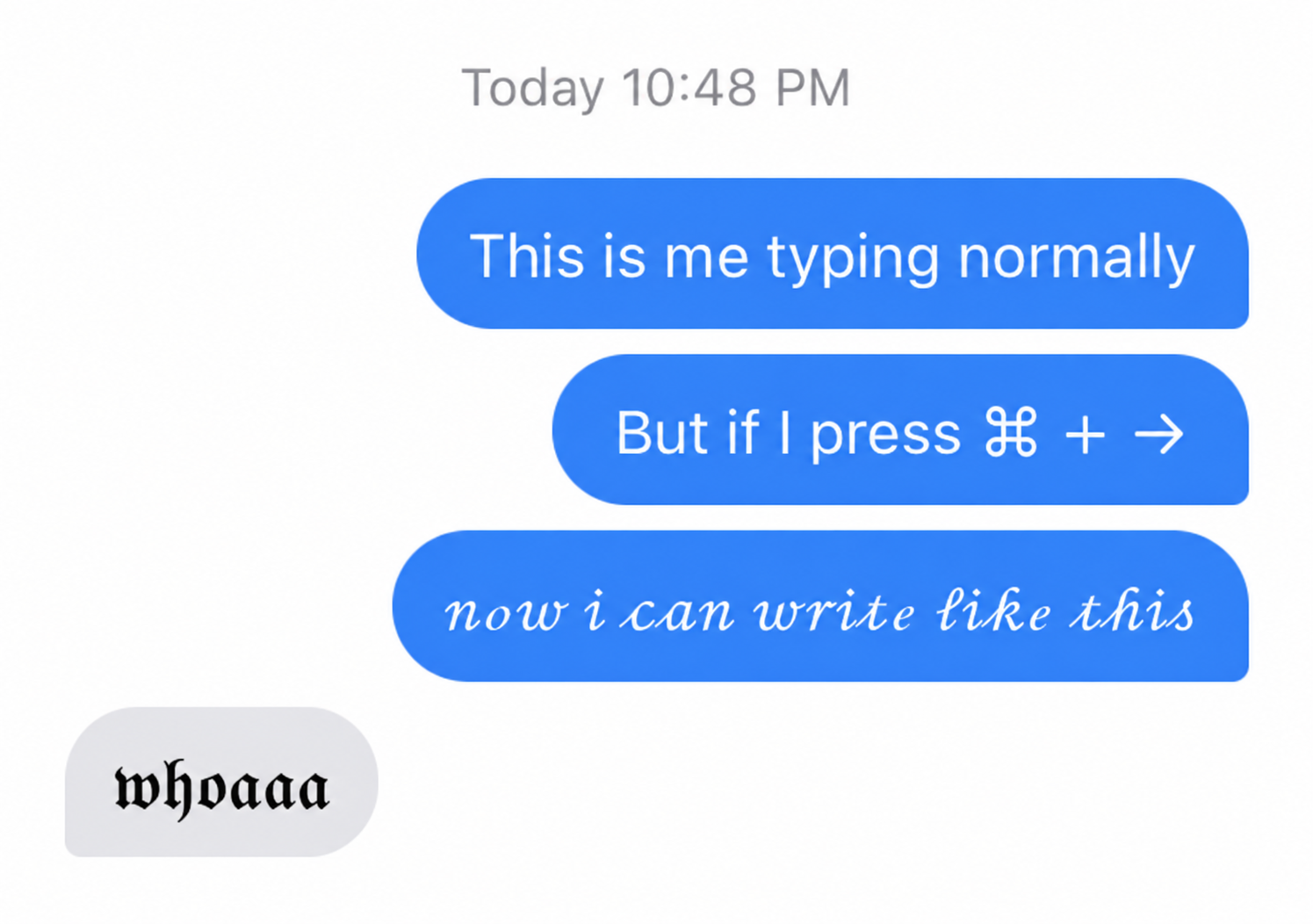
Type a little 𝒹𝒾𝒻𝒻ℯ𝓇ℯ𝓃𝓉𝓁𝓎
Type in cursive, Fraktur, and other Unicode styles with a Mac menu bar app.
Download for Macv1.1.8 · Apple silicon · macOS 11 or later
Add some spice to your usual typing
Move to Applications
Unzip the download, move the app (Unicode KB) into Applications, and open it.
Allow Accessibility
Enable Unicode KB in System Settings → Privacy & Security → Accessibility, then reopen it.
Press ⌘→, then type away
Choose your styles from the menu bar.
Compatibility & privacy
Accessibility access lets the app read and transform your typing. Your keystrokes stay on your Mac and aren’t stored.
Made for Apple silicon Macs with a US keyboard layout. Styled characters can look or behave differently across apps.
While running, ⌘→ changes styles instead of moving the cursor. You can choose another shortcut in settings.